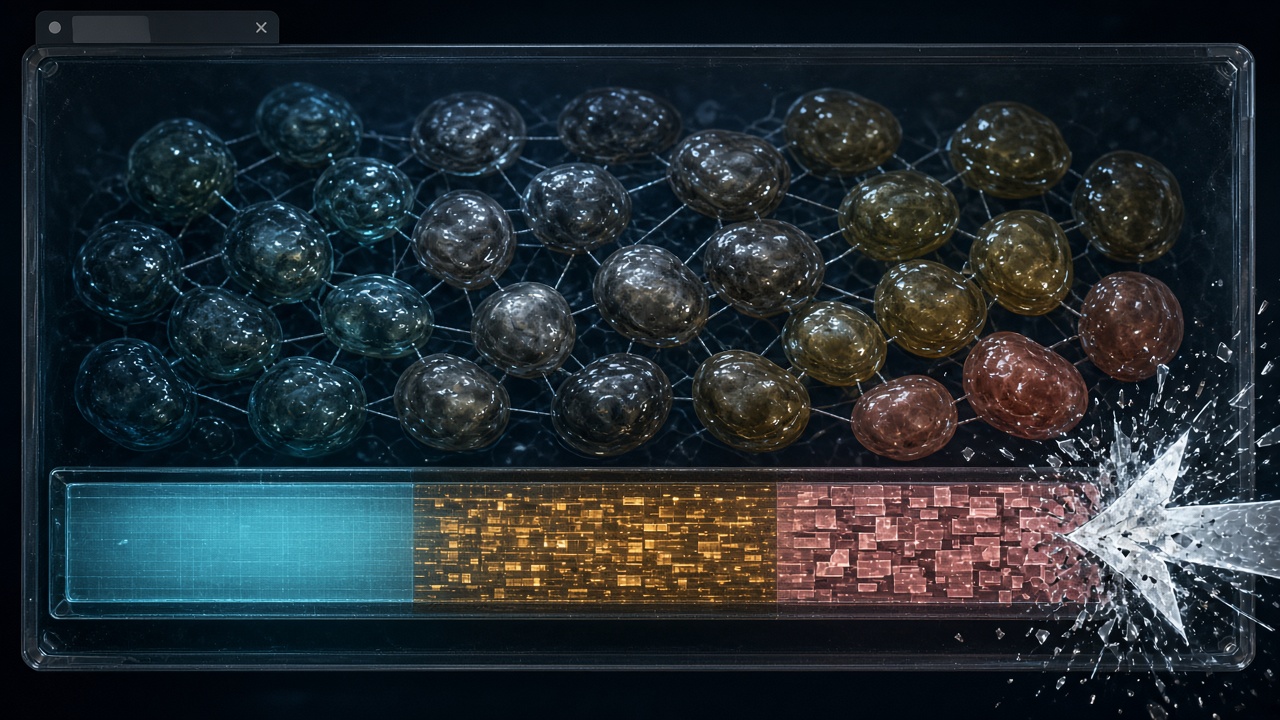
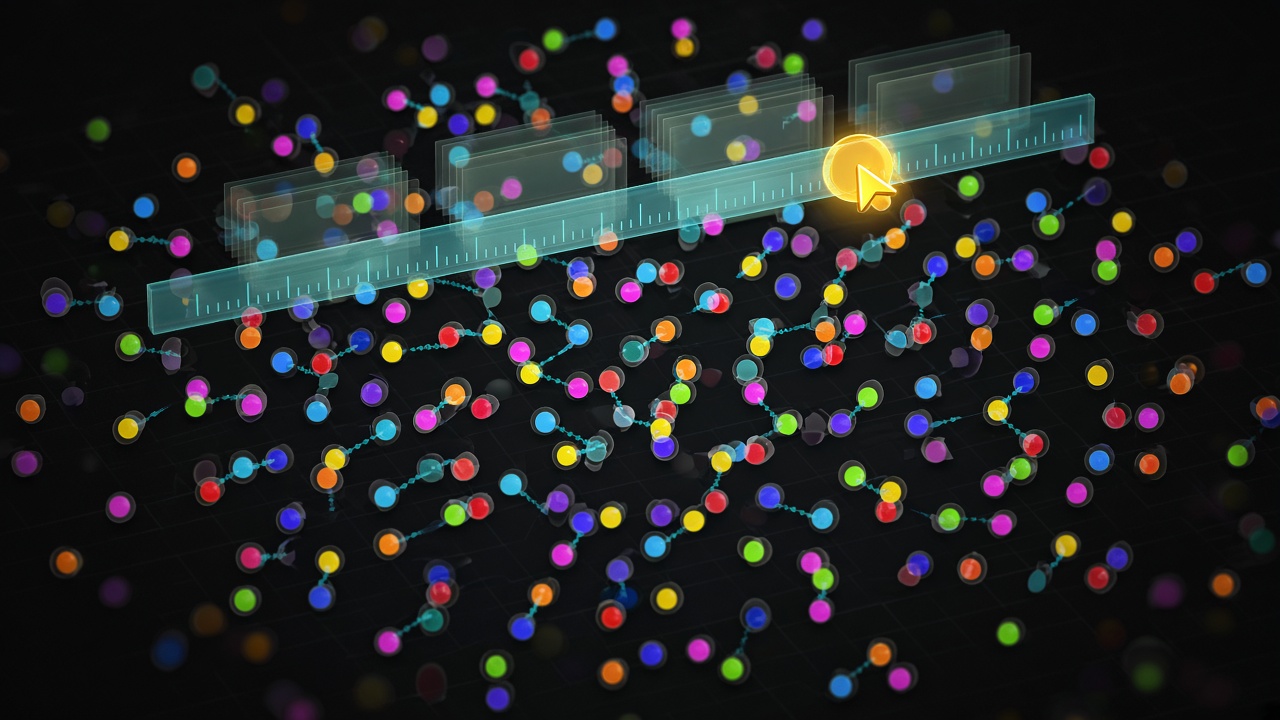
Fish-Net Remote Entity Presentation: Snapshot Interpolation, Extrapolation Caps, and URP Draw Poses in IO Games
In a crowded IO arena, the tick that moves your fish is not the frame that paints everyone else. Fish-Net already owns replication: snapshots arrive, time is known, and the simulation stays authoritative. Presentation is a separate job—delay the pixels so remote bodies look continuous without ever feeding a guessed pose back into physics, scoring, or ownership. This article is the practical split we use at BigFatGames: buffer snapshots, interpolate between them, cap how far you may extrapolate when packets stall, then sample a draw pose for URP that the tick never sees. Local prediction can stay aggressive; remotes stay interpolators. That is how the rest of the field stays readable without becoming liars on the next reconcile. You will walk the buffer, the interpolation window, the extrapolation cap, and the URP pose path as one pipeline. The through-line never changes: simulation time is truth; render time is a delayed, clamped view of that truth.
- Keep remote presentation on a delayed render clock; never write interpolated or extrapolated poses back into Fish-Net ticks.
- Interpolate between consecutive snapshots; only extrapolate when the buffer is empty, and cap that motion.
- Drive URP draw poses from the presentation sample so shaders and cameras never touch simulation state.
- Local player prediction and remote interpolation are different jobs—do not mix their time bases.
- Honest remotes in IO games come from buffer discipline, not from guessing farther into the future.
Remotes Are Snapshots, Not a Second Predicted Avatar
That distinction is the whole presentation problem. Your local avatar already lives in replicate and reconcile: you have input, you replay it against authoritative corrections, and TimeManager is already doing the tick math. Remote entities in an IO field do not get that loop. There is no player input to replay, no client-side controller to rewind, only a stream of dated snapshots that arrived late, early, or in a burst. Treating them like a thinner copy of the predicted pawn is how a well-tuned client still looks like a jittery crowd.
NetworkTransform and NetworkAnimator are delivery and component sync. They get a pose or a clip state onto the object. They do not decide how a dense pack of other players should be shown between those packets, how far you are allowed to guess, or whether the mesh you draw is allowed to write back into the simulation tick. For a fat browser IO client that already has prediction and TimeManager dialed in, that missing policy is what you still see on screen: neighbors that freeze until the next packet, packs that rubber-band as a group when a snapshot lands, and camera micro-stutter when the follow target is a raw tick pose instead of a presentation pose.
In an IO arena that honesty is not cosmetic. A remote that looks a body-length ahead of its last snapshot is something the player can try to eat, dodge, or score against—then the next reconcile says it was never there. Presentation has to be a one-way read of history so the crowd stays readable without inventing contacts the tick will deny. Everything that follows is the policy that keeps those layers from collapsing into each other.
One consumer of time: snapshot rings vs NetworkTickSmoother
Those dated samples only stay honest if you treat TimeManager ticks as addresses into a history buffer, not as something you lerp on the NetworkObject itself. The tick is a key: you look up the pose that was true at that tick, then you blend between two keys in presentation time. You do not drive the remote root toward “now” as if it were a local predicted avatar hitching on a display clock.
Three jobs get mashed together in Fish-Net IO projects, and they are not interchangeable. Tick smoothing exists to hide local or display hitching—your own camera, your own predicted body, a dropped frame on the client. NetworkTransform interpolation is a component default: it walks a remote toward the latest received transform without you owning a ring. A presentation-owned snapshot ring is different again: you store dated samples, you choose a render time behind the newest packet, and you sample that ring every draw. Crowd remotes belong to the third job.
| Job | Owns time? | Use on remotes in an IO crowd |
|---|---|---|
| Tick smoothing (local / display hitch) | Yes—the display clock | No. Keep it on the predicted local root and camera. |
| NetworkTransform interpolation | The component’s own catch-up | Rarely. It is a default, not a history ring. |
| Presentation snapshot ring | Yes—render time vs sample ticks | Yes. This is the visual consumer for neighbors. |
Stack NetworkTickSmoother on a remote you already interpolate from a ring and you get mush. The smoother is still pulling the transform toward a live clock while the ring is pulling it toward a delayed sample. The result is late motion, overshoot, or a slow oscillation as two consumers fight over the same visual root. Packs look rubbery even when the packets were fine.
The ownership rule is simple: one consumer of time per visual root. Either the smoother or the snapshot buffer, never both. Remotes in a fat browser IO client take the ring. Leave TickSmoother for the predicted local body and anything that must hide hitching without a history of other players’ states. That split keeps a pack of remotes on one delayed clock instead of fighting a second, live one.
Render delay: how far behind the newest snapshot you dare sit
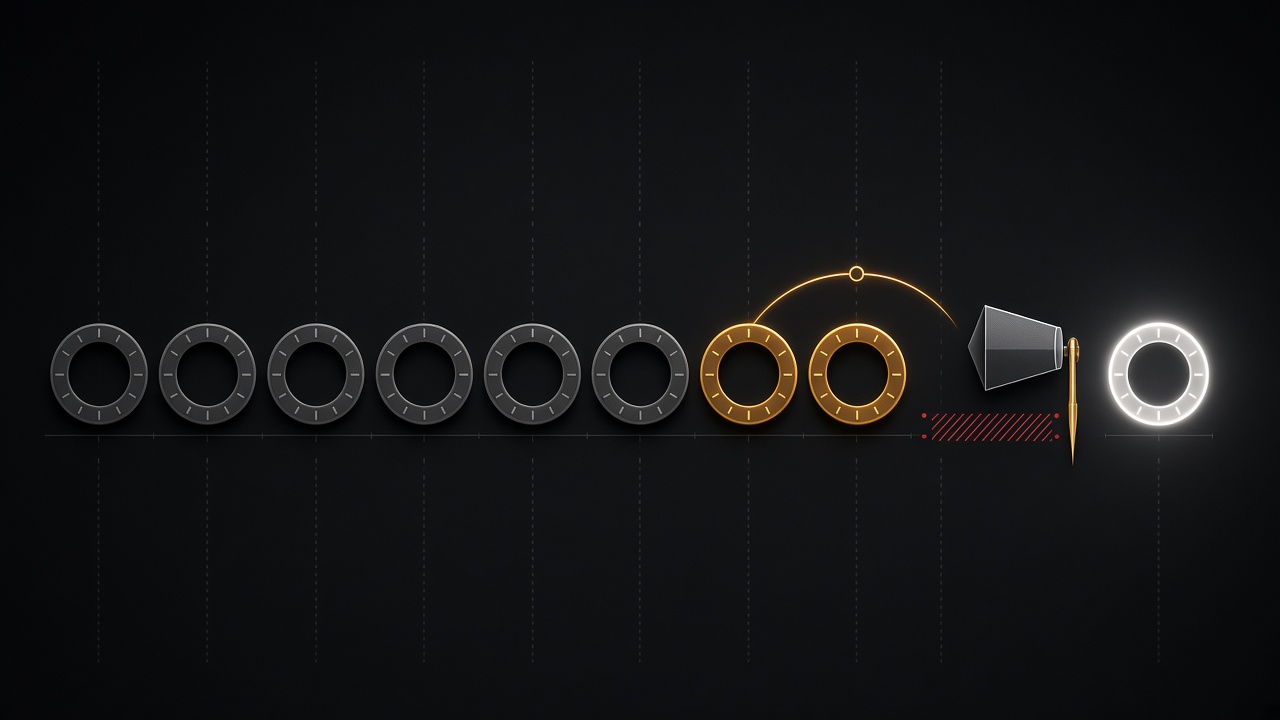
Once the visual root has a single owner of time, the next decision is where that clock sits. Render delay is not a smoothing fudge. It is how far the presentation clock trails the newest remote snapshot so that, at every draw, two dated samples already exist in the ring and you can lerp between them instead of guessing. If the clock rides the leading edge, the ring is empty on the high side and you are already extrapolating. If it sits a little behind, interpolation is the default path.
In a fat browser IO client that window is a product of the network, not a constant you copy from a LAN shooter. Bursty send rates mean neighbors arrive in clumps, then starve. Interest management drops and re-adds entities so the ring has holes. WebGL tab stalls freeze the client clock while the server keeps writing, then dump a backlog that looks like teleportation if you were hugging the newest packet. A delay that always leaves two samples in the buffer is what turns those realities into motion instead of pops.
Treat the size of that window as a design lever, not a networking constant. A tighter delay feels snappier: nearby fish react sooner, camera-relative motion reads as immediate. It also underruns more often, which is when extrapolation caps (next) have to work. A wider delay looks stable in a packed arena because the ring almost always has a pair to lerp, but projectiles and melee traces will feel late if the HUD and hit confirmation follow the draw pose. Hits belong on simulation time. Presentation can be late; authority cannot.
Per-tier windows, same server tick
You do not need one delay for the whole scene. Nearby threats—anything that can eat you or that you are lining up—get a short buffer so the fight reads honest. Far crowd entities can sit on a longer, cheaper window, or even a coarser sample rate in the same ring, without touching server tick rate or TimeManager. The server still stamps the same ticks; only how far each visual root’s presentation clock trails those ticks changes. That is how a dense remote field stays interpolable without making the player in front of you feel like they are swimming through syrup.
Interpolate into a draw pose the renderer owns
Once each remote has a render delay, sampling is mechanical. Take the presentation clock—not NetworkTick, not Time.time—and find the two snapshots that straddle it. Blend translation and rotation between those samples. Blend only the extras you actually draw: a facing yaw for a fish silhouette, a bank for a trail, a scale pulse if the sprite needs it. Write the result into a pose the renderer owns. That pose is a visual child, a URP object-to-world matrix, or a small pose buffer the draw pass reads. It is never the NetworkObject transform.
Colliders, gameplay state, and Fish-Net’s NetworkObject stay on simulation time. Rollback, interest management, and server reconciliation all assume the networked root is where the tick said it was. If you lerp that root toward a pretty frame, you poison every consumer that still thinks in ticks: overlap queries, ownership handoff, even the next snapshot’s delta. URP is a customer of the pose, not the authority on the sim object.
One clock for everything the player sees
The hitch that shows up in fat browser IO clients is almost always a clock split. Animator.Update reads the visual child. The camera follows the NetworkObject because someone parented it “for convenience.” Physics queries the collider that never left sim time. For one frame the neighbor is three different places. Pick a single presentation clock for anything on screen: character motion, camera follow, VFX attach points, UI world-space pins. Simulation keeps its own time. Extrapolation, when you need it, is a later cap on that same presentation clock—not a second writer on the root.
Cap extrapolation so remotes never invent motion
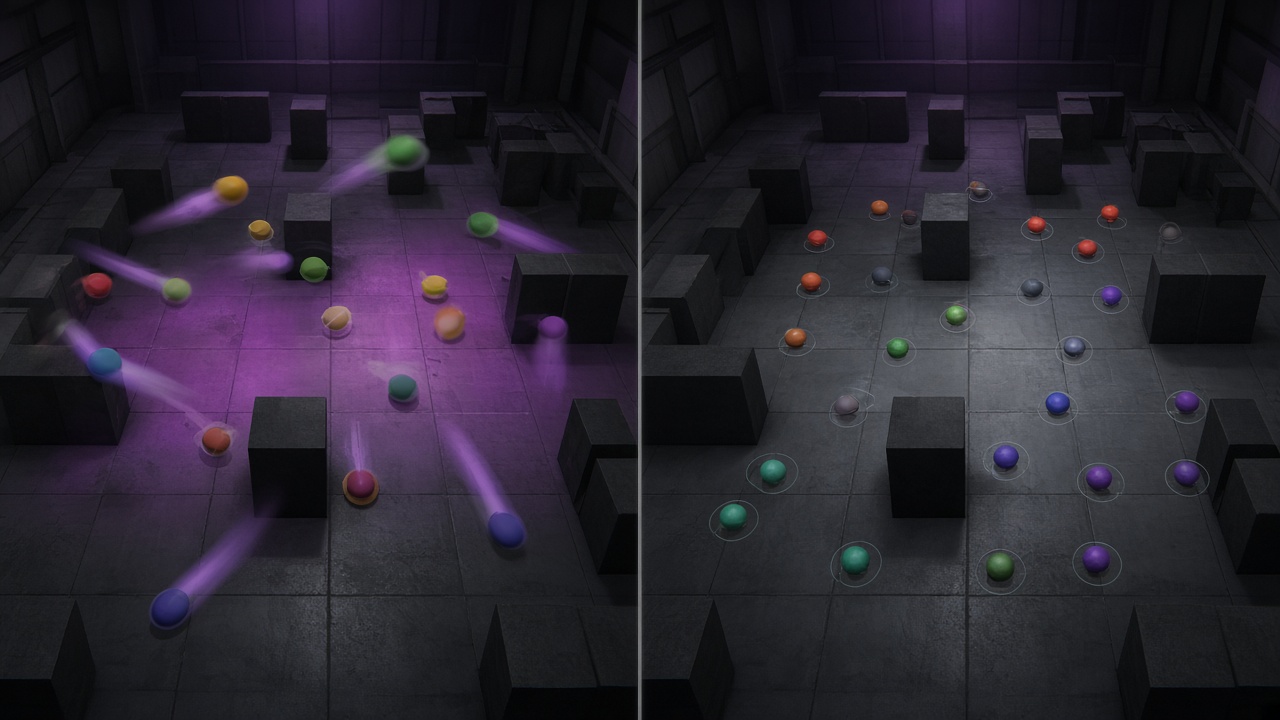
That shared presentation clock still needs a policy for when the interpolation window is empty. Extrapolation is only a short, bounded guess—never the default remote motion model. If the newest snapshot is already behind render time, you may hold last velocity for a handful of milliseconds so the visual does not freeze mid-stride. The moment that guess would lie, you stop. IO crowds punish unbounded coasting: a dasher on stale velocity tunnels through the arena, a pack rubber-bands after a WebGL stall, and the camera reads a pose that never existed on the server.
Cap on three axes at once: time, speed, and path. Time is a hard ceiling after the last sample; beyond it, freeze or fade rather than keep integrating. Speed clamps the guessed displacement to something plausible for that entity type so a sprint does not become a warp. Path refuses motion that would cross solids or leave the playable hull the collider still occupies on simulation time. When any cap trips, the draw pose holds or eases toward the last honest sample. It does not keep flying.
Kill the guess on events that break continuity
Disable extrapolation on despawn, ownership change, teleport, and animation-driven snaps. Those events mean the next pose is not a continuation of the last velocity. Letting the visual layer invent collisions—or a body that is already gone—breaks the contract that URP draw poses never write back into simulation ticks. Colliders, lag compensation, and Fish-Net state stay on sim time; the renderer must not author a correction into NetworkObject transforms or fight hit detection that still uses those colliders.
Recovery is a blend into the next real sample, not a state rewind. When a snapshot finally arrives, lerp the draw pose onto it over a short ease so the crowd settles without a snap, then resume ordinary interpolation. That keeps remotes honest: they look continuous, they never tunnel on a lie, and simulation remains the only clock that decides where they actually were.
Feed URP cameras and instanced draws from presentation poses
Once extrapolation has recovered into a real sample, the pose that remains is the only thing cameras and GPU draws should ever follow. Drive follow cameras, aim helpers, and nameplate billboards from that presentation pose so URP framing matches the interpolated body the player actually sees—not the unsmoothed tick root sitting on the NetworkObject. If the camera tracks simulation time while the mesh tracks render time, you get the same micro-stutter the first section warned about, only now it is baked into every shot.
Instanced drawers and custom URP passes should pull matrices from the same pose buffer. Do not hitchhike on NetworkObject transforms that prediction, physics, and lag compensation still simulate. A drawer that copies world matrices off the networked root will fight every later tick correction; a drawer that reads the visual child (or a packed matrix array written by the interpolation job) stays honest even when the sim object teleports or snaps.
LOD the presentation job itself, not just the mesh. Nearby threats keep full snapshot interpolation. Far crowd can snap or step on a coarser cadence. Skip extrapolation entirely for entities outside the camera frustum—there is nothing to invent if nobody is looking. Interest tiers already sized the render window; reuse those tiers so the job does not interpolate what URP will never shade.
Keep that contract at draw time: the GPU should never sample a NetworkObject that still lives on tick time. Cameras, animators, and instanced passes share the presentation buffer so a sim-side teleport or reconcile cannot jitter the frame the player actually sees.
Key Takeaways
Ship your next IO crowd with a snapshot ring, capped extrapolation, and URP draw poses that never write back into Fish-Net ticks — then tune the delay per interest tier on bigfatgames.com tools.
Frequently Asked Questions
You Might Also Like
- Performance What Runs Where: Splitting Fish-Net Simulation and URP Rendering for Browser IO Fat Games
- Browser Games Fix WebGL Movement Jitter: Fish-Net TimeManager Tick Dropping and NetworkTickSmoother for Browser IO Fat Games
- URP Optimization Unity 6 URP GPU Resident Drawer for High-Entity Multiplayer IO Games with Fish-Networking
- Fish-Net Multiplayer Advanced Client-Side Prediction with Fish-Networking in Unity
- Fish-Net Multiplayer Fish-Net NetworkTransform and Rigidbody Synchronization for Smooth Multiplayer Physics in Unity IO Games