

How Fat Games Work on Modern Browsers
Remember when playing a game in your browser meant waiting for a massive loading bar or wrestling with a clunky, insecure plugin installation? Those days are long gone. Today, highly responsive, visually rich fat games run instantly in your browser on both desktop and mobile. This revolution is driven by modern web standards that tap directly into your device's graphics card. Specifically, WebGL allows for hardware accelerated graphics in an HTML5 canvas, bridging the quality gap of HTML5 with other retired plug-in options like Flash and Unity Web Player, as noted by Filament Games.
To achieve this, developers rely on specialized frameworks and optimization techniques. For instance, discussions on Reddit's r/gamedev highlight that Phaser 3 is a fast 2D game framework built for making HTML5 games for desktop and mobile web browsers, supporting both Canvas and WebGL rendering. Under the hood, developers can use a single dynamic mesh modified each frame in WebGL to draw everything, which keeps the polygon count low and the performance incredibly fast, as documented by Medium. Furthermore, Unity Discussions notes that WebGL and HTML5 are used to run Unity content in a browser without requiring a plugin, though mobile support varies. Let's dive deep into how these technologies work together to power smooth, frictionless browser games.
- Modern browser games use WebGL and HTML5 to deliver hardware-accelerated graphics without clunky third-party plugins.
- Frameworks like Phaser 3 optimize 2D rendering for fast, responsive gameplay across both desktop and mobile browsers.
- Using a single dynamic mesh modified each frame allows developers to keep rendering highly efficient with minimal polygons.
- WebGL enables Unity-built games to run directly in web browsers, though mobile compatibility can still vary by device.
The Death of Plugins and the Rise of Open Web Standards
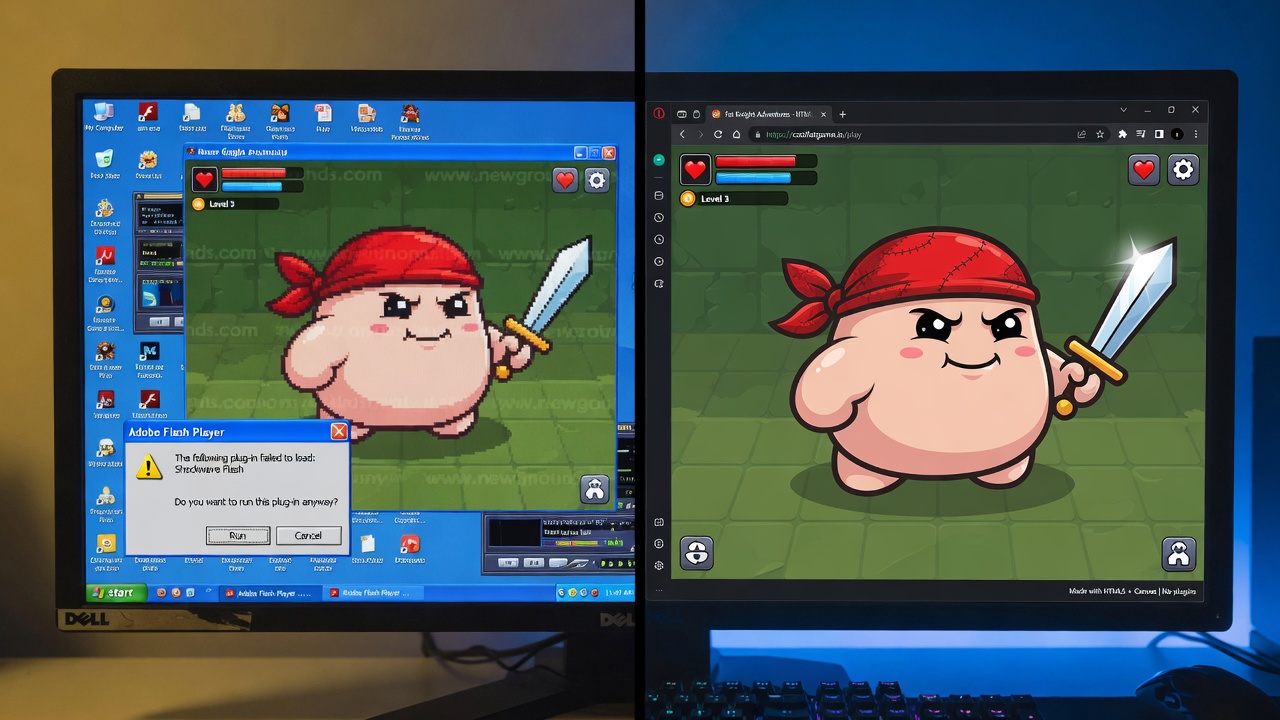
To understand how we arrived at this frictionless era, we have to look back at the friction that came before. For years, players who wanted rich, complex "fat games" in their browsers had to endure a constant cycle of prompts, downloads, and security warnings. Legacy plugins like Adobe Flash and the original Unity Web Player were once the only options for delivering high-fidelity interactive experiences. However, they were notorious resource hogs, plagued by critical security vulnerabilities, and entirely incompatible with the rising tide of mobile devices.
As browsers systematically phased out these third-party runtimes to protect users, the web needed a native solution. That solution arrived with HTML5 and WebGL. WebGL enables hardware-accelerated graphics directly within an HTML5 canvas, completely replacing the need for legacy plugins like Flash and Unity Web Player. By bridging the quality gap that once separated web-based titles from native desktop software, these modern standards allow complex games to run instantly, securely, and smoothly on almost any device. To appreciate how this is achieved, we need to look under the hood at how HTML5 Canvas and WebGL actually render these experiences.
The Engine Room: Canvas, WebGL, and Direct GPU Access
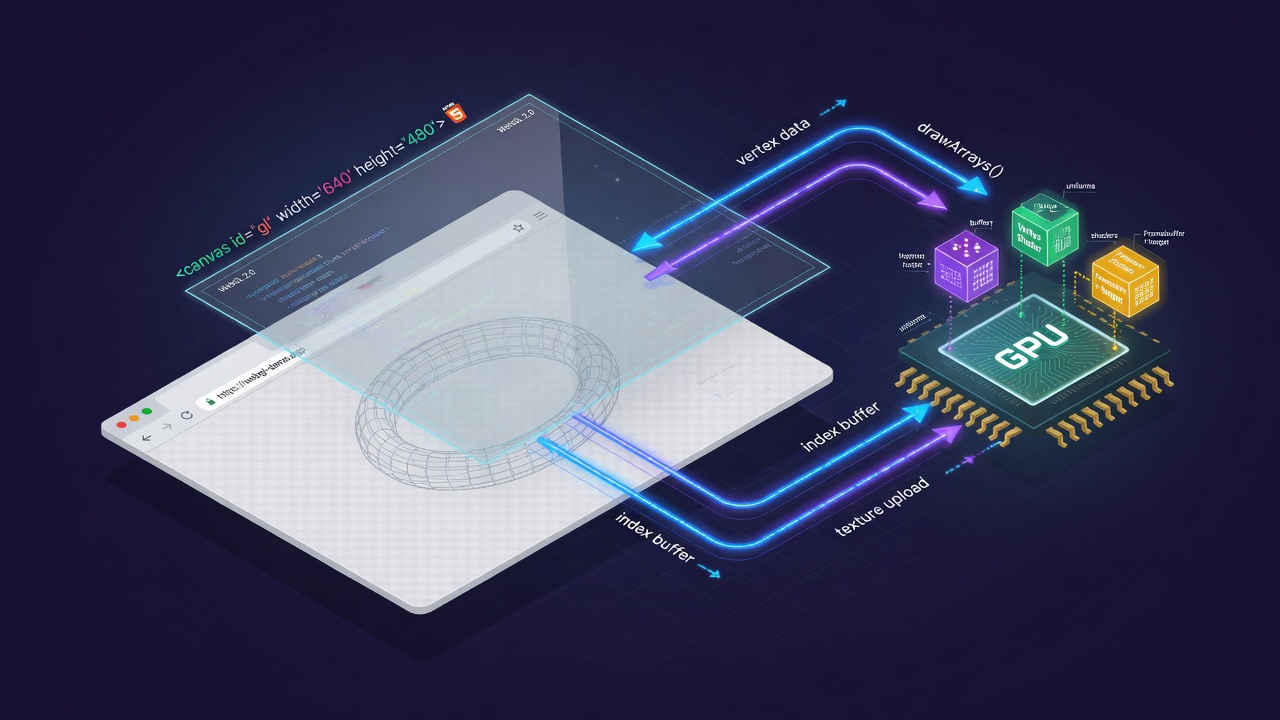
At the heart of any modern browser game sits the canvas element. In its simplest form, the Canvas 2D context acts as a digital sketchpad, allowing developers to draw shapes, render images, and handle basic animations directly in the browser. While highly capable for simpler games, relying solely on the CPU for rendering limits performance when dealing with complex, asset-heavy "fat" games.
This is where WebGL changes the equation. WebGL acts as a direct bridge to the device's GPU, bypassing CPU bottlenecks to render rich 2D and 3D graphics inside the canvas. It allows engines like Unity to compile and run content natively in the browser without requiring any external plugins. This GPU acceleration enables features like custom shaders, real-time lighting, and complex particle systems that were once the exclusive domain of desktop builds.
Because WebGL is built directly into modern browser engines, it provides exceptional cross-platform consistency. Whether a player is on a high-end desktop or a mobile device, the same codebase can deliver smooth, high-fidelity gameplay. However, while desktop browsers offer robust, uniform support, mobile WebGL compatibility can still vary depending on the device's hardware and browser optimization. To harness this raw rendering power efficiently, developers rely on specialized engines and frameworks designed to squeeze every drop of performance out of the browser.
Engines of the Web: The Frameworks Powering High-Performance Browser Games
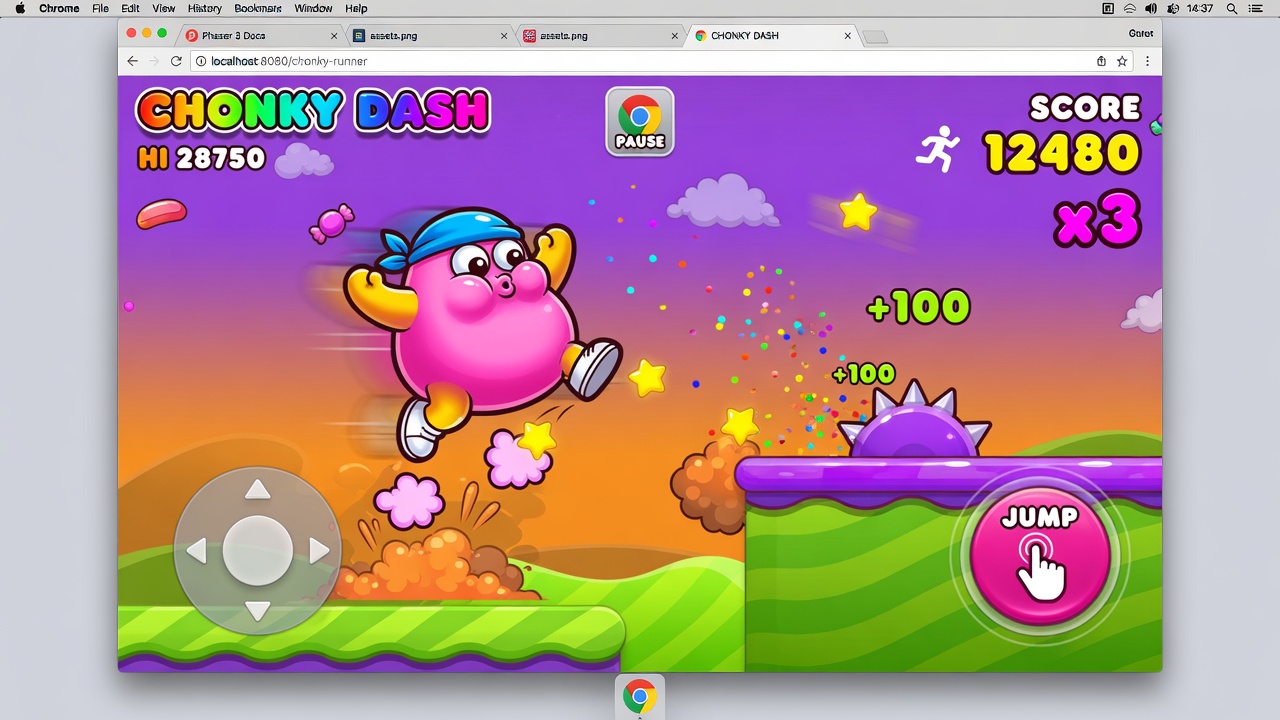
Chief among these specialized engines is Phaser 3, a fast 2D game framework designed specifically for making HTML5 games that run seamlessly across desktop and mobile web browsers. To achieve this level of flexibility, Phaser 3 supports both Canvas and WebGL rendering, allowing the game engine to dynamically choose the best rendering path for the player's hardware.
This architecture ensures robust compatibility across both desktop and mobile browsers, allowing complex web games to deliver rich, plugin-free experiences to almost any device. But choosing the right framework is only half the battle; to truly match the performance of native desktop builds, developers must also optimize how these assets are drawn on screen.
Drawing Smarter: The Power of Single-Mesh WebGL Rendering

Optimizing that draw process means rethinking how we feed data to the GPU. Instead of submitting hundreds of separate draw calls for every sprite and UI element, clever developers compress their entire 2D scene into a single pipeline.
Specifically, developers can use a single dynamic mesh modified each frame in WebGL for highly efficient 2D rendering in browser games. By updating just a single mesh and texture in code every frame, the engine bypasses the heavy overhead of constantly rebinding WebGL buffers.
Keeping the polygon count low ensures this dynamic modification happens almost instantaneously on the CPU before pushing the updated vertices to the GPU. For lightweight fat game assets, this approach keeps memory footprints tiny and load times virtually nonexistent. It transforms the browser from a restrictive sandbox into an incredibly fast, responsive console, proving that you don't need heavy native engines to deliver high-speed action.
But maintaining this level of responsiveness across a fragmented ecosystem requires more than just smart rendering pipelines; it demands a deep understanding of how the latest browser updates handle memory allocation and hardware constraints.
Frictionless Play: The Ultimate Evolution of Browser Gaming
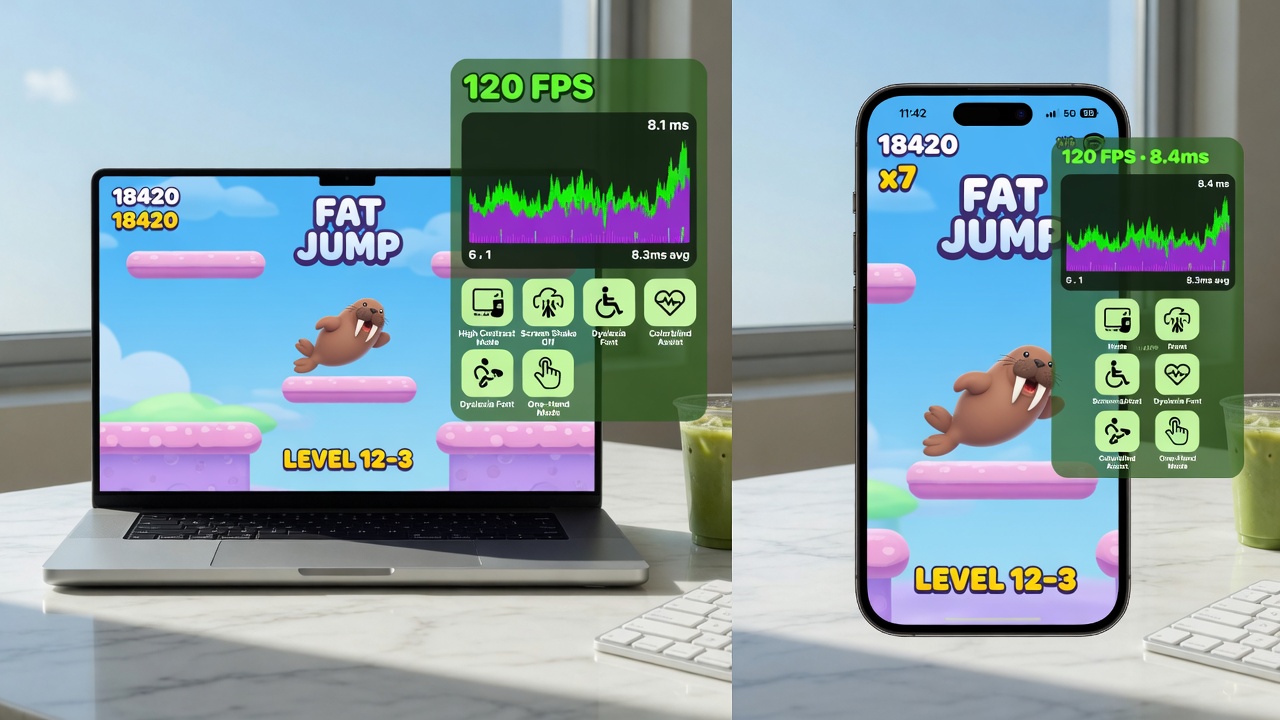
Navigating these hardware and memory constraints has unlocked an era of unprecedented stability. In the post-Flash landscape, modern web standards have replaced crash-prone plugins with robust, native sandboxing. Today, players enjoy true instant-play experiences directly within any modern browser, completely bypassing the friction of downloads, app stores, or security warnings. Whether on a high-end desktop or a budget smartphone, the game launches instantly within a standard web tab.
Key Takeaways
If you are looking to optimize your own web builds or need high-performance networking solutions for your next browser project, explore our suite of Unity URP and Fish-Networking tools today.