Fat Games Online Mobile Friendly: Play on Phone Browser
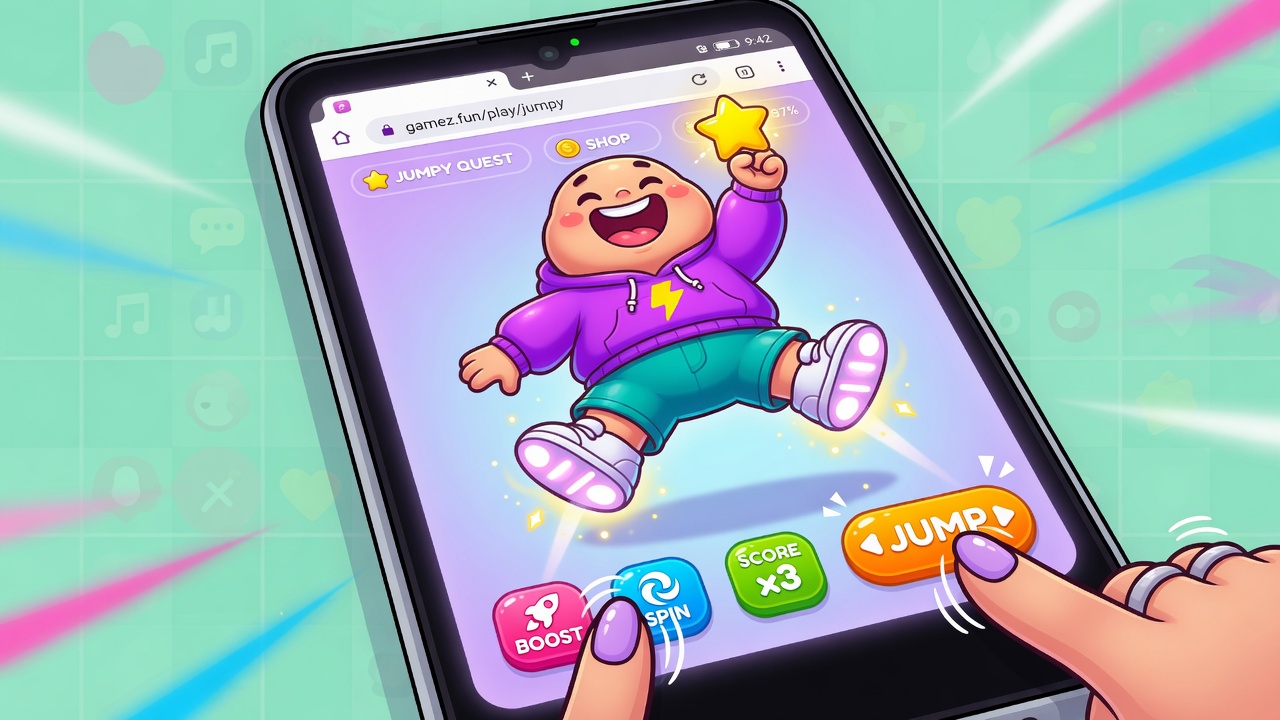
Remember when playing your favorite browser games meant being chained to a desktop computer? Those days are officially over. Thanks to modern HTML5 technology, mobile-friendly fat games have transitioned seamlessly to phone browsers, offering instant, touch-first gameplay without the hassle of downloads or app store installs. Whether you are looking for quirky physics simulators or fast-paced action, the modern mobile browser is now a fully capable gaming console.
Finding these titles is easier than ever. For instance, the popular indie platform itch.io hosts dozens of fat-tagged games explicitly marked as playable in browser, including popular titles like Don't Fear the Jester, HoneyCombat, and Maw of the Dungeon. Additionally, dedicated browser game directories like GameSpa now curate 728 mobile-friendly browser games designed specifically for quick sessions and easy access from phones and tablets. This means you can jump into your favorite gaming niche during a commute, a quick break, or while relaxing on the couch.
To help you get the absolute best performance out of your mobile gaming sessions, we have put together a complete guide to running these games smoothly. Let us dive into how touch-first design and HTML5 optimization are changing the way we play on the go.
- Modern HTML5 technology allows fat-themed browser games to run smoothly on mobile devices without any downloads.
- Major indie platforms like itch.io feature dozens of popular fat-tagged titles optimized directly for mobile web browsers.
- Curated directories make it easy to find touch-friendly games designed specifically for quick mobile sessions.
- Touch-first optimization replaces clunky keyboard inputs with intuitive taps and swipes for a seamless phone experience.
Instant Play: How HTML5 Rebuilt Browser Gaming for Mobile
The death of Adobe Flash could have been the end of web-based gaming, but the transition to HTML5 did something much better: it made games natively mobile-friendly. Gone are the days of downloading clunky third-party plugins or dealing with constant security warnings. Today, you can access your favorite fat-themed games directly through your phone's default browser—whether you use Safari, Chrome, or Firefox—without installing a single megabyte of data.
Why HTML5 Fits Modern Mobile Habits
This shift is incredibly obvious on platforms like itch.io, where creators have embraced HTML5 as the default standard. If you search for fat-tagged titles on these indie hubs, you will find a massive library of action, puzzle, and simulation games ready to run instantly. Because developers build these games using modern web standards, they scale dynamically to fit your phone screen, adjusting layout and interface elements on the fly.
- No Downloads: Play instantly without wasting storage space or waiting for app store approvals.
- Seamless Portability: Jump into quick-session play during your commute or a short break.
- Touch-First Design: Traditional keyboard controls are replaced with intuitive taps and swipes that feel natural on a touchscreen.
Of course, while HTML5 makes instant play possible, achieving the smoothest performance depends heavily on your device's settings. Let us take a look at how to verify your mobile browser is fully optimized and ready to handle these games.
Is Your Phone Ready? Choosing the Best Browser for Instant Play
Fortunately, you do not need a high-end gaming phone or specialized software to get started. Most modern mobile browsers—including Google Chrome, Apple Safari, and Mozilla Firefox—handle HTML5 fat games effortlessly right out of the box. These browsers feature built-in hardware acceleration and robust rendering engines designed to process physics and animations smoothly without draining your battery.
To find these titles without endless searching, players can turn to specialized platforms. Dedicated mobile-friendly browser game directories exist with touch controls and quick-session focus, making it easy to play directly from phones and tablets. For instance, curated platforms like GameSpa feature 728 curated games specifically optimized for mobile play, ensuring you can jump straight into the action.
However, a common pitfall is stumbling onto legacy Flash links. Since Adobe Flash was phased out, older fat-themed games hosted on outdated portals will simply display a blank screen or a plugin error on your phone. When browsing, always look for tags explicitly labeled "HTML5" or "mobile-friendly" and avoid older archives that have not transitioned to modern web standards.
Once you have confirmed your browser is up to date and you have steered clear of dead Flash links, the next step is mastering how you actually interact with these games on a glass screen.
Swipe, Tap, and Grow: Mastering Mobile Touch Controls
Translating classic keyboard commands to a touchscreen might sound tricky, but the shift to HTML5 has made mobile friendly fat games incredibly intuitive. Instead of fumbling with clunky virtual d-pads, the best modern titles rely on native touch controls designed specifically for glass. Because many of these games focus on simulation, puzzle-solving, or casual action, the mechanics lend themselves beautifully to simple, direct screen interactions.
Designed for the Screen, Not the Keyboard
A vast number of mobile fat games are already fully optimized for phones right out of the box. In simulation and feeding titles, a simple tap is all it takes to select items, manage resources, or navigate upgrade menus. For action-oriented games, developers often replace complex directional keys with single-finger drags or swipes. This clean, minimalist approach means you can play comfortably with one hand while commuting or relaxing.
Before diving into a long gaming session, it is always a good idea to spend a quick minute testing the swipe sensitivity in your browser. Some mobile browsers might interpret a rapid swipe as a page-navigation gesture, which can accidentally refresh or exit your game. Adjusting your browser's zoom settings or entering full-screen mode usually solves this instantly, ensuring your inputs register perfectly every time.
With your controls dialed in and your browser optimized, you are ready to explore the best titles currently available to play.
Instant Gems: The Best Mobile-Friendly Fat Games on itch.io
To start your journey, you don't need to scour shady app stores or deal with tedious installations. The indie gaming platform itch.io has become a massive hub for these projects, hosting dozens of fat-tagged games explicitly marked as playable right in your mobile browser. Because these developers build their projects with modern HTML5 frameworks, you get direct phone access without downloads, bypassing installation prompts to dive straight into the action. It is as simple as clicking a link and letting the game load directly in your browser tab.
This no-download approach means you can jump between different gameplay styles instantly. Many of these titles are designed from the ground up for quick, touch-based sessions. Some of the most popular and highly responsive examples you can play right now include:
- Don't Fear the Jester: A quirky, character-focused game that handles beautifully on a touchscreen.
- HoneyCombat: A highly popular option that pairs charming art with responsive tap mechanics.
- Maw of the Dungeon: A simulation-style title that makes excellent use of mobile-friendly tap-and-swipe controls.
These titles prove that post-Flash browser gaming is more robust than ever. With intuitive touch controls replacing clunky keyboard setups, these action, puzzle, and simulation games run seamlessly on almost any modern smartphone. You get the full experience—complete with rich animations, responsive physics, and engaging sound design—without sacrificing your phone's storage space. It is a massive step forward for accessibility, allowing anyone with an internet connection to enjoy high-quality indie titles on the go.
But even the most optimized HTML5 game can occasionally run into a snag if your browser settings aren't quite aligned.
Smooth Sailing: Quick Fixes for Mobile Browser Glitches
When a game stutters or fails to register your taps, a quick browser refresh is often the easiest fix. If the issue persists, switching from your default browser to a highly compatible alternative like Chrome, Safari, or Firefox can dramatically improve performance. These modern browsers are optimized specifically for HTML5, ensuring that graphics-heavy animations load without lag.
Another common hurdle is screen orientation. Many mobile fat games are designed with a specific aspect ratio in mind. Flipping your device into landscape mode often improves touch accuracy and layout issues instantly, giving you larger targets to hit and preventing accidental swipes that might trigger your browser's back button.
This layout optimization is especially crucial for physics-heavy simulation titles. For example, mobile experiences like Hungry Big Fat Simulator, published in January 2026, demonstrate the pure fun of the genre, where "this entertaining person will grow up to huge number of pounds to turn into a goliath in the jumper game" [e3]. While some of these games are available as dedicated apps, their core loop mirrors the touch-friendly, instant-play HTML5 games found across indie browser directories. By keeping your mobile browser updated, clearing your cache, and playing in landscape, you can enjoy these quirky growth games seamlessly on the go.
Key Takeaways
Head over to your favorite mobile browser, find a curated directory like GameSpa or itch.io, and start playing your favorite fat-themed games instantly today.