Achieving HDRP Fidelity Graphics in URP: Volumetric Clouds, Fog & Advanced Features for Unity
For a long time, Unity developers faced a binary choice: pick the Universal Render Pipeline (URP) for performance and cross-platform reach, or the High Definition Render Pipeline (HDRP) for those jaw-dropping volumetric clouds and cinematic fog. But the gap is closing. Thanks to a dedicated community of graphics engineers, you no longer have to sacrifice the visual polish of a high-end console game just to keep your frame rates stable on mid-range hardware.
In this guide, we are looking at how to bridge that visual divide using powerful open-source repositories that port HDRP-exclusive features directly into URP. We will explore how to implement volumetric clouds, physically-based skies, and advanced fog volumes using proven GitHub projects like those from jiaozi158 and CristianQiu. By the end of this article, you will have a roadmap for transforming your URP project from standard to stunning without the overhead of a full pipeline migration.
Let’s dive into the specific tools and implementation steps required to bring these advanced rendering features to your scene.
- URP can now achieve HDRP-level visuals using community-driven volumetric and atmospheric ports.
- Top-tier repos like jiaozi158 provide robust volumetric cloud solutions for URP 14+ and Unity 2022.2.
- Volumetric fog and lighting can be integrated via Render Graph-compatible packages for Unity 6.
- Implementation involves adding custom Renderer Features and Volume overrides to your existing URP assets.
The Performance-Fidelity Dilemma: Why Port HDRP Features to URP?
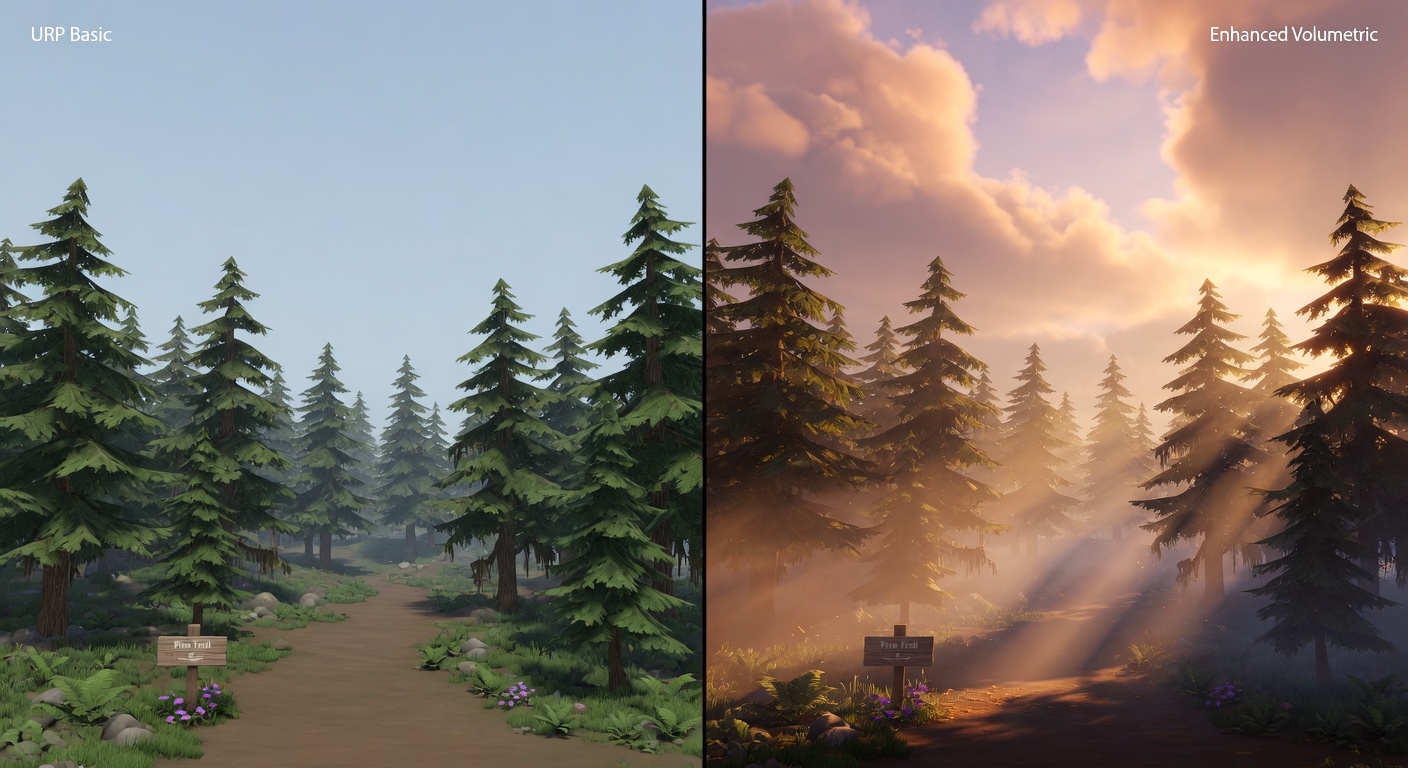
To understand how to bridge this gap, we first have to look at why the gap exists. Choosing between Unity’s Universal Render Pipeline (URP) and the High Definition Render Pipeline (HDRP) used to be a binary choice: do you want your game to run on everything, or do you want it to look next-gen? URP was designed for performance across a massive range of hardware, from mobile phones to VR headsets. HDRP, conversely, offers a physically-based rendering suite that rivals top-tier engines but demands high-end PC or console hardware to function effectively.
The Trade-off Between Power and Reach
For most indie teams, URP is the logical choice because it significantly lowers the barrier to entry for optimization. However, sticking with URP often means missing out on 'hero features' that define modern visual standards. The trade-offs are real, and they often impact the atmospheric depth of a project.
- Hardware Scalability: URP scales from low-end Android devices to high-end PCs, whereas HDRP is strictly for high-compute platforms.
- Iteration Speed: URP’s simpler architecture generally leads to faster bake times and less complex debugging.
- Performance Overhead: HDRP carries a heavy baseline 'tax' on system resources, making it risky for projects targeting mid-range hardware.
The problem arises when your creative vision requires volumetric clouds, advanced fog, or physically-based skies—features that Unity has traditionally locked behind the HDRP gate. For a small team, migrating a half-finished project to HDRP just for a better skybox is a recipe for technical debt and performance bottlenecks.
This is where the open-source community steps in. By porting specific HDRP features like volumetric lighting and cloud systems into the URP framework, developers can maintain the lean performance of URP while achieving the visual 'wow factor' usually reserved for high-budget productions. Projects like those from jiaozi158 and CristianQiu have proven that with the right shaders and renderer features, the gap between the two pipelines is much narrower than it looks. The most requested of these features is undoubtedly a dynamic sky, so let's look at how to implement high-end volumetric clouds using the community's most reliable ports.
Mastering the Skies: Implementing jiaozi158’s Volumetric Clouds in URP
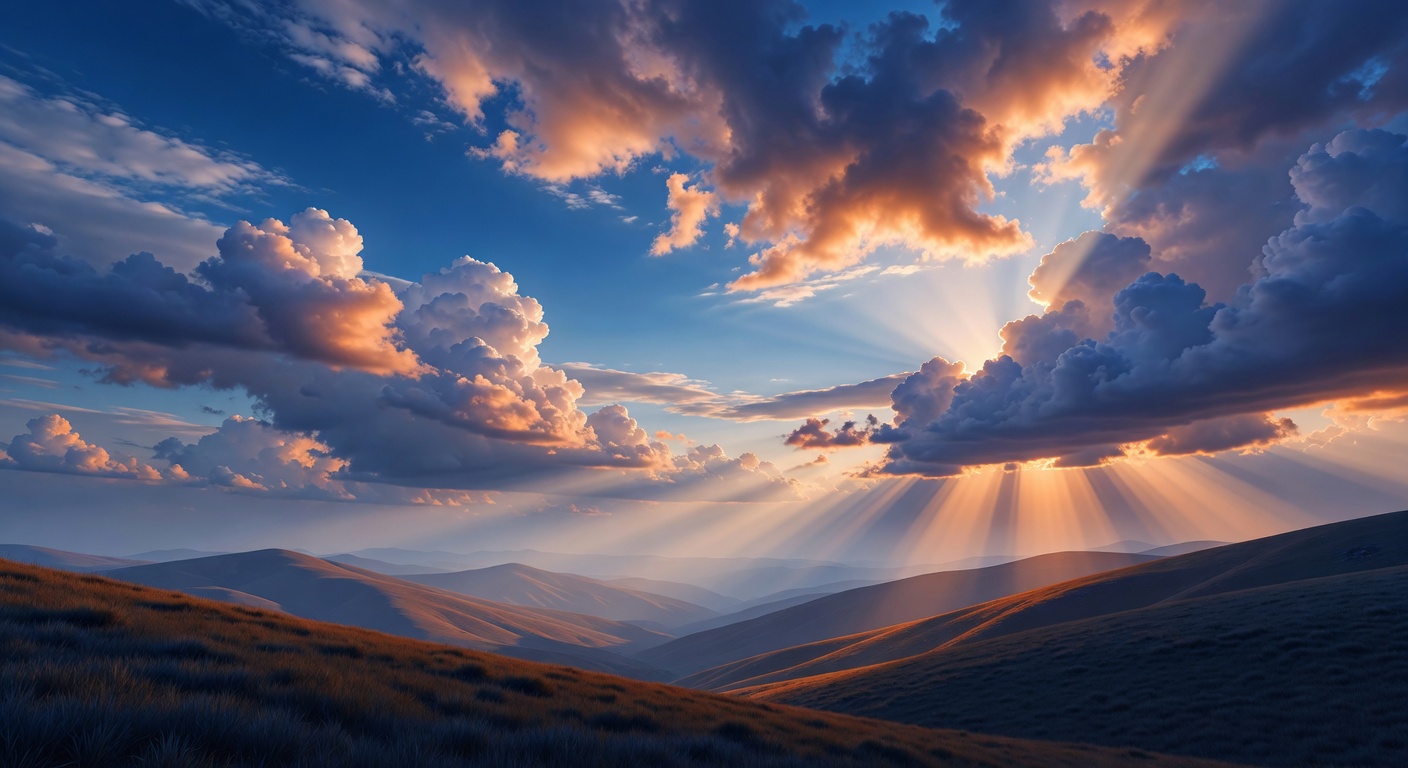
The jiaozi158/UnityVolumetricCloudsURP repository has quickly become the gold standard for developers looking to replicate the high-end atmospheric feel of HDRP without leaving the Universal Render Pipeline. This port doesn't just mimic the look of volumetric clouds; it effectively backports the core logic of HDRP’s cloud system into a format that URP 14 can interpret. By leveraging raymarching techniques, it creates clouds that have actual depth and volume, reacting dynamically to light sources rather than appearing as flat, scrolling textures on a skybox.
Technical Requirements and Compatibility
Before diving into the installation, it is vital to ensure your project meets the technical baseline. Because this implementation relies on specific modern rendering features introduced in later versions of the pipeline, you’ll need to be running Unity 2022.2 or higher (utilizing URP 14+). Additionally, your target hardware must support Shader Model 3.5 or higher to handle the complex mathematical calculations required for real-time raymarching.
- Physically-Based Scattering: Simulates how light interacts with water droplets for realistic coloring during golden hour.
- Volume Integration: Fully compatible with Unity’s Volume system, allowing for local overrides and seamless transitions between different weather states.
- Shadow Mapping: Includes support for cloud shadows that cast correctly onto the terrain and scene geometry.
The Setup Workflow
Getting the system running involves a few specific steps within the URP architecture. First, you must add the 'Volumetric Clouds' Renderer Feature to your Universal Renderer Data asset. This tells the pipeline exactly where in the frame cycle to inject the cloud rendering pass. Once the feature is active, you control the visual output by adding a 'Volumetric Clouds' override to a Volume in your scene. This is where you’ll define cloud density, altitude, and the 'erosion' textures that give the clouds their unique, wispy shapes.
While these clouds go a long way in selling the 'hero' look of your environment, they are only half of the atmospheric equation. To truly bridge the gap between URP and HDRP, the sky needs to interact with the air itself, which brings us to the implementation of volumetric fog and localized lighting effects.
Atmospheric Depth: Adding Volumetric Fog and Lighting to URP
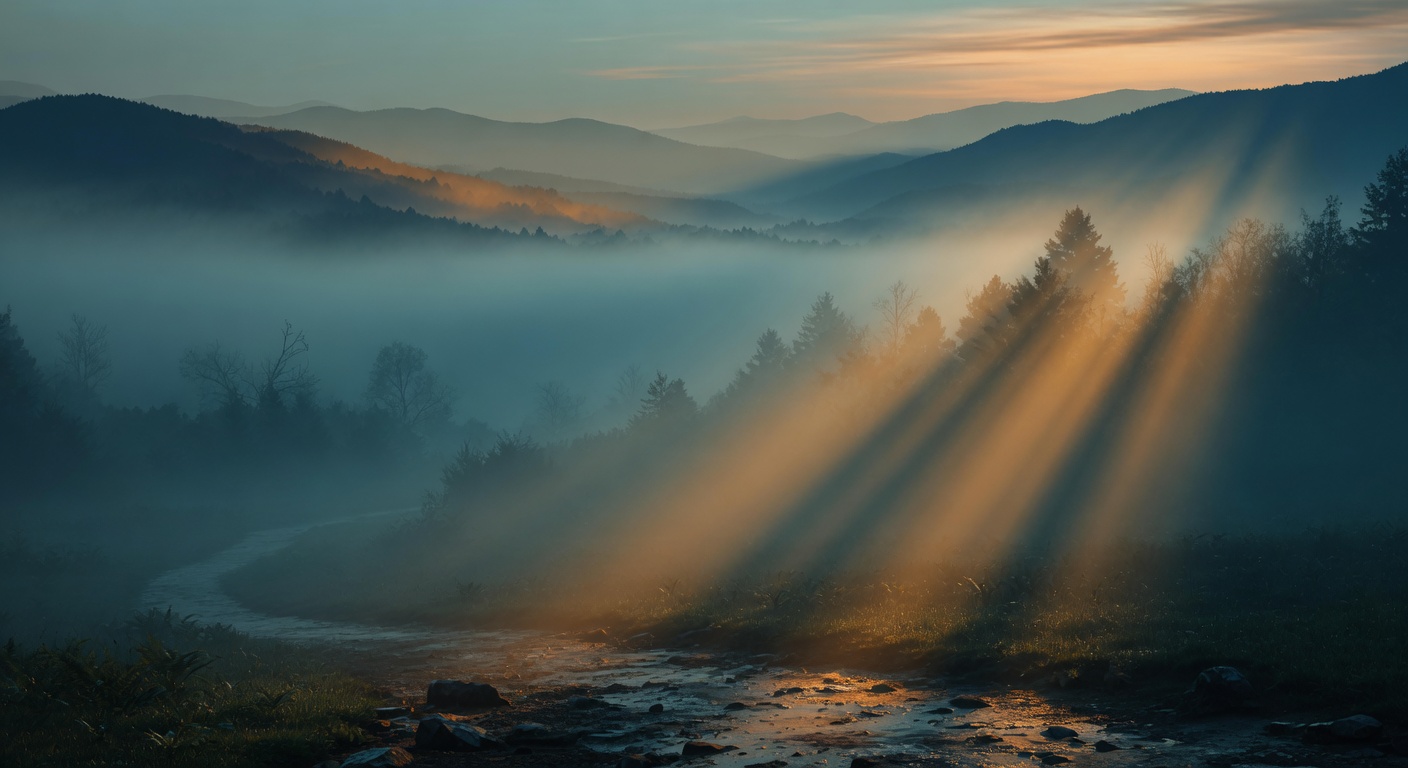
Fog acts as the connective tissue of a high-fidelity scene. Without it, even the most beautiful volumetric clouds can feel like a separate, disconnected layer rather than an integrated part of your world. While URP has historically lacked the built-in 'Exponential Height Fog' or 'Volumetric Fog' systems found in HDRP, the community has filled this gap with tools that leverage URP’s performance advantages while mimicking HDRP’s depth.
Future-Proofing with Unity 6 and Render Graph
For developers moving toward the latest versions of Unity, the CristianQiu/Unity-URP-Volumetric-Light package is a significant milestone. Unlike older ports that break when the internal rendering logic changes, this implementation is specifically designed to be compatible with the URP Render Graph in Unity 6+. It provides a ready-to-install solution for both global fog and localized volumetric light shafts (god rays), ensuring that your lighting remains stable even as Unity’s architecture evolves.
Localized Control with Single-Bounce Raymarching
If you need more granular control over specific areas—like a misty forest floor or a steam-filled corridor—the sinnwrig/URP-Fog-Volumes repository is the go-to resource. This implementation uses a single-bounce raymarching approach, which is the secret sauce for maintaining high frame rates on mid-range hardware. Instead of calculating complex multi-light scattering, it samples light along the camera's view ray once, providing a convincing 'thick' air effect without the massive GPU cost.
- Performance Efficiency: Single-bounce raymarching hits the sweet spot between visual fidelity and mobile/indie-friendly performance.
- Plug-and-Play Demos: The sinnwrig repo includes comprehensive demo scenes that allow you to see exactly how to balance density, anisotropy, and color.
- Volume-Based Overrides: Much like HDRP, these systems use the Volume framework, allowing you to transition fog settings seamlessly as the player moves between different zones.
By combining these fog systems with the cloud solutions previously discussed, you create a cohesive atmosphere where light feels physical and heavy. However, the 'HDRP look' isn't just about the air and the sky; it’s also about how light interacts with the surfaces of your objects through advanced screen-space effects.
Beyond Clouds: Expanding the URP Toolkit with the jiaozi158 Ecosystem
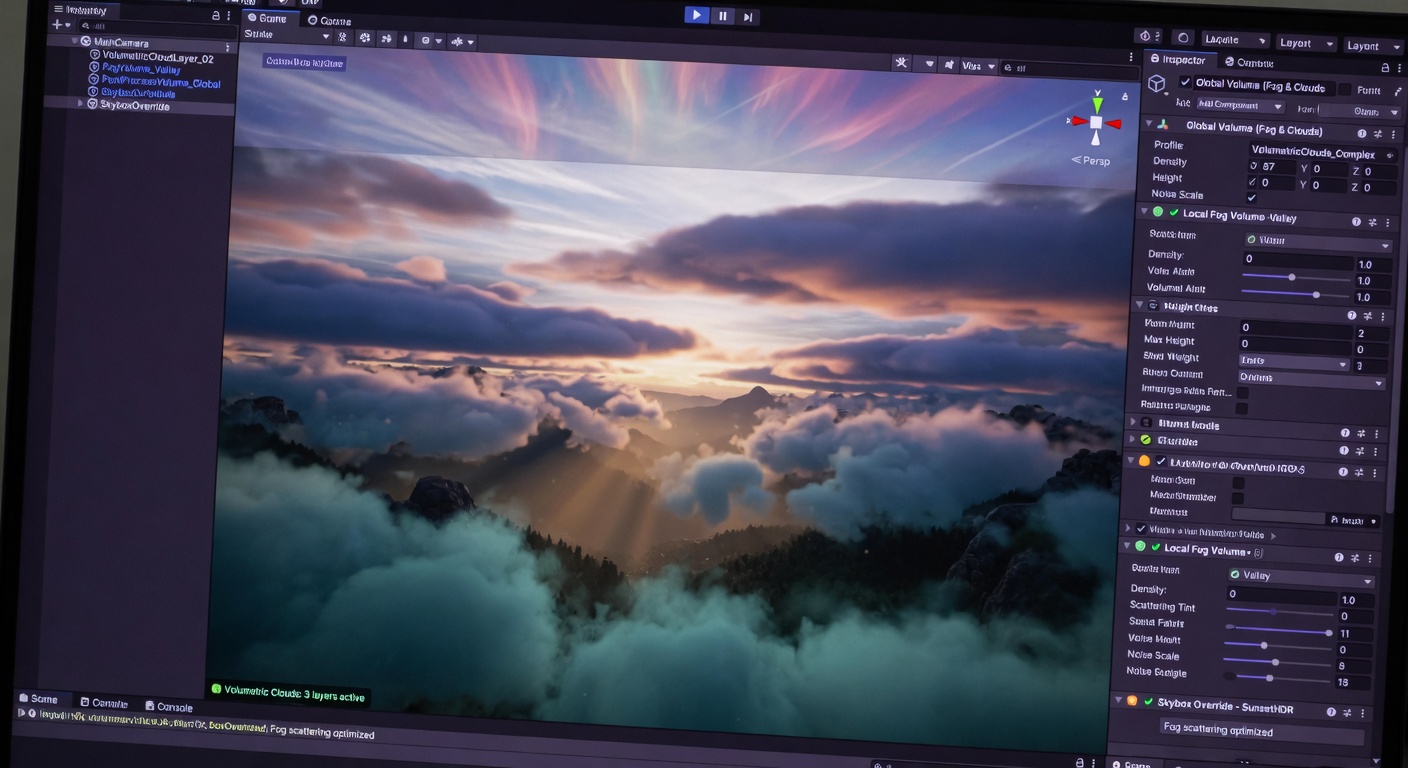
To bridge the gap between a standard URP project and the heavy-hitting visuals of HDRP, we have to look at how light interacts with every surface, not just the air. While we have already established how to handle the sky and fog, the ecosystem developed by contributors like jiaozi158 offers a more holistic approach. These ports often include physically-based sky (PBS) systems and screen-space effects that ensure your lighting remains consistent across the entire scene.
Leveraging the jiaozi158 Ecosystem
The jiaozi158/UnityVolumetricCloudsURP repository is often the gateway, but the author’s wider work includes components that mimic the HDRP lighting model. By using a physically-based sky alongside your clouds, the ambient light in your scene reacts dynamically to the time of day and cloud density. This level of integration is what prevents the 'pasted-on' look that often plagues URP projects using mismatched assets.
- Renderer Feature Integration: Most of these advanced ports require you to add a specific scriptable renderer feature to your URP Asset, which handles the custom rendering passes.
- Volume System Control: Just like native HDRP features, these ports are controlled via Volume Overrides, allowing for seamless transitions between different environmental zones.
- Scalability: Because these are custom-built for URP, they often include 'low' or 'medium' quality presets that are much easier to optimize than the monolithic HDRP versions.
Performance remains the primary consideration. Even though these ports are optimized, stacking screen-space reflections, volumetric fog, and physically-based skies can quickly eat into your frame budget. The key is to use URP’s inherent scalability to your advantage—enabling the full suite for high-end hardware while utilizing the Volume system to dial back the raymarching steps or resolution on lower-end devices. This modularity is exactly why the URP-plus-ports workflow is becoming the standard for high-fidelity indie development.
With the right combination of ports selected, the next step is ensuring they are installed correctly and optimized for your specific project needs.
Bringing it All Together: Installation and Performance Tuning
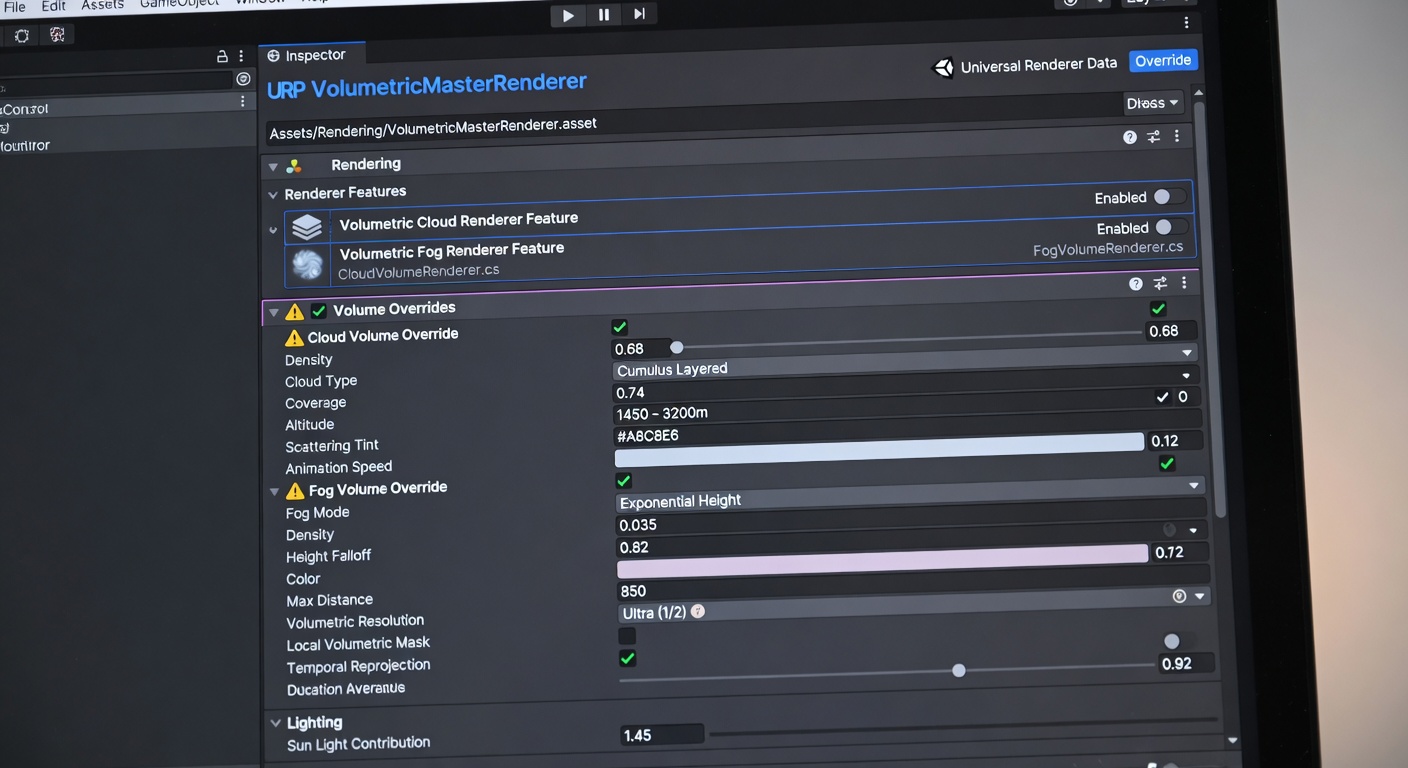
Setting up these ports usually begins in the Unity Package Manager. Instead of manually dragging folders into your Assets directory—which can get messy with dependencies—the cleanest method is using the 'Add package from git URL' option. This keeps the third-party code isolated and makes it easier to pull updates if the repository maintainers push a fix for a new Unity version.
The Renderer Feature Connection
Once the package is in your project, the heavy lifting happens within your URP Renderer Asset. You’ll need to navigate to your Forward Renderer (or the specific renderer data asset your project uses) and add the new effect as a 'Renderer Feature.' This tells URP exactly where in the rendering loop to inject the custom passes for clouds or fog. Without this step, the shaders exist in your project but won't actually be called during the frame draw.
- Open the Package Manager and paste the GitHub HTTPS link to the repository.
- Locate your Universal Renderer Data asset in the Inspector.
- Click Add Renderer Feature and select the specific port (e.g., Volumetric Clouds or Fog).
- Create or select a Global Volume in your scene to begin tweaking the visual overrides.
Volume Overrides and Hardware Testing
The final, and perhaps most crucial, step is profiling. While these ports are significantly lighter than their HDRP counterparts, raymarching is never 'free.' Always test your scene on your weakest target hardware early in the process. By adjusting down-sampling settings or reducing the step count in the Volume overrides, you can maintain that high-end look without sacrificing the frame rate that made you choose URP in the first place.
By bridging the gap with these community-driven features, your URP project can finally shed its 'low-end' reputation and deliver the cinematic atmosphere once reserved for the heaviest render pipelines. With these tools in your belt, the path to high-fidelity graphics is limited only by your creative vision.
Key Takeaways
Start experimenting with these open-source tools in your next build to push your project's visual boundaries without sacrificing performance.